

Replacing Picsart can mean finding a better photo editor, a different image generator, or a workflow that also creates video. Those are different needs, so a useful shortlist should explain which part of the job each tool handles. These nine options cover everyday graphics, detailed corrections, visual concepts, and mixed campaigns. Start with the task slowing you down, then use the recommendations to choose a tool worth trying with your own assets.
Which Picsart Alternatives Fit Your Main Task?
Pollo AI, Canva, Adobe Express, Adobe Firefly, Photopea, Getimg.ai, PromeAI, ImagineArt, and Krea address different creative priorities. Before replacing Picsart AI, decide whether you need to change an existing picture, invent a new scene, or create moving content.
These recommendations reflect workflow fit rather than a controlled quality ranking. A detailed photo editor and a video generator can both be useful alternatives, even though they replace different parts of your current process.
1 Pollo AI for Images and Video in One Creative Suite
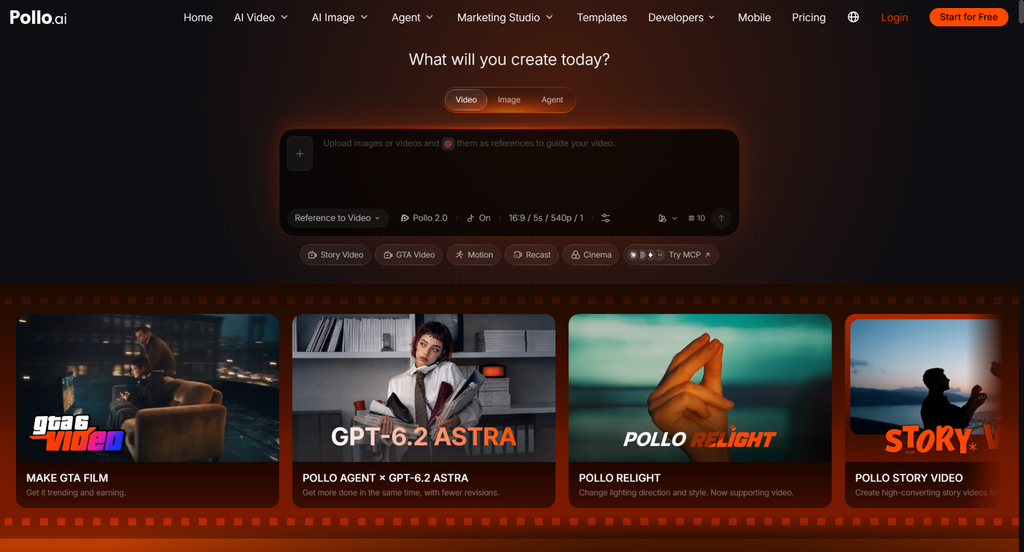
Pollo AI is a useful first option when your workload spans generated images, edits, videos, avatars, and audio. Its marketing workflows also cover product visuals and advertising content.
Begin with a clear visual brief. If your descriptions keep producing generic scenes, the AI image generator prompts guide offers examples you can adapt around subject, setting, and light. Approve the image before deciding whether it needs animation.
Model choice gives you options, but controls vary. Build a repeatable workflow around the tools that suit your actual deliverables.
2 Canva for Layouts and Everyday Brand Graphics
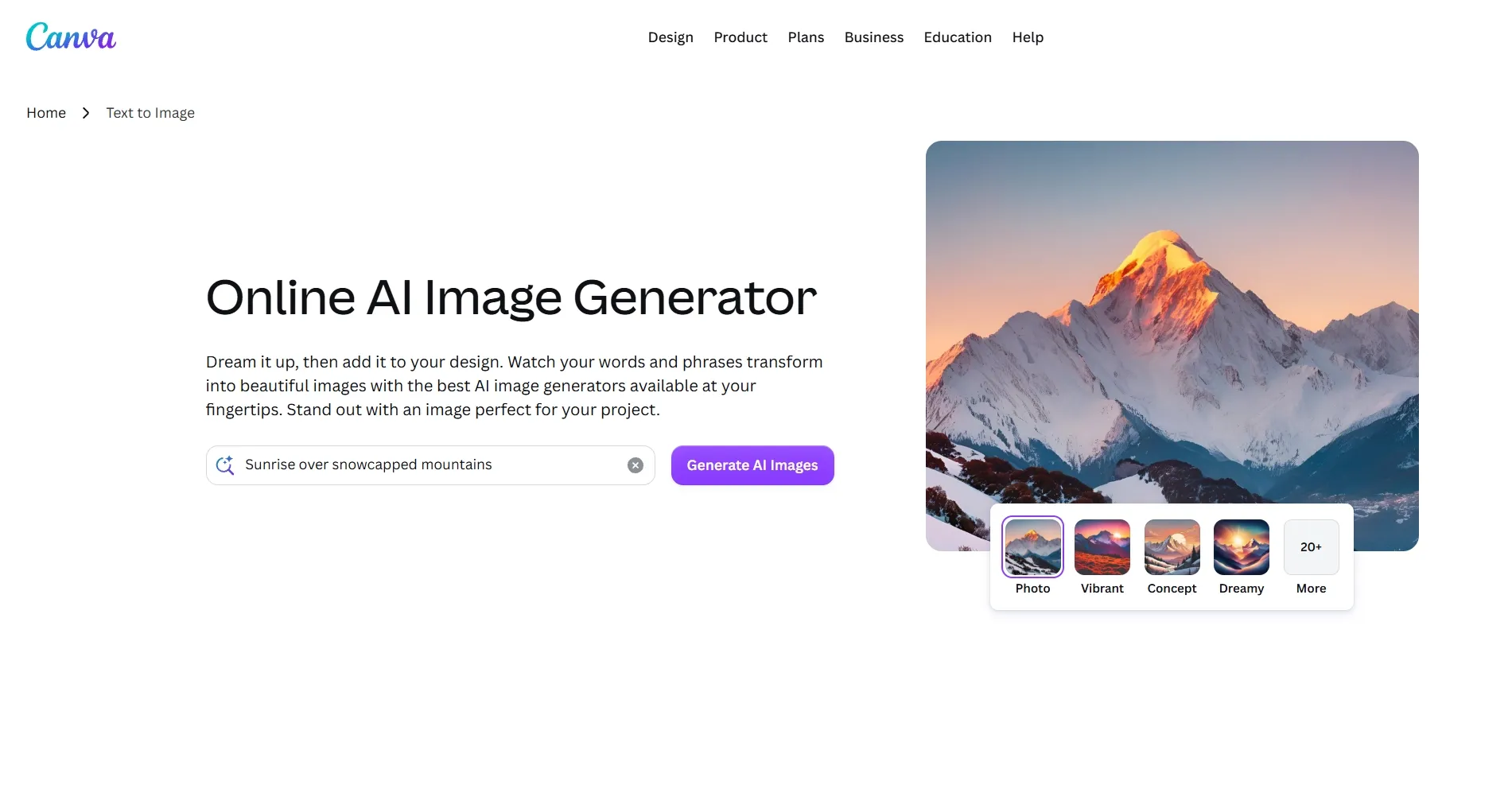
Canva is worth considering when arranging content is the main job. Its visual suite includes photo editing, templates, AI image generation, and video tools.
For an event announcement or promotional carousel, start by placing the required information, then choose imagery that supports it. Evaluate whether the design remains readable after resizing for another channel.
A convenient layout workflow may matter more than finding a different generation model. Check which brand and resizing features your selected plan includes.
3 Adobe Express for Quick Promotional Assets
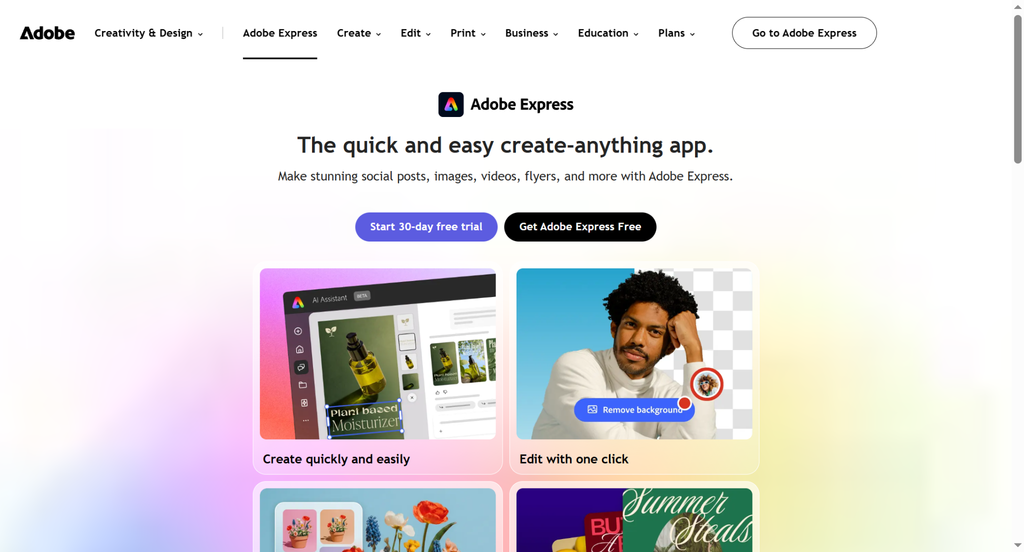
Adobe Express suits creators preparing social posts, flyers, and short promotional videos. It combines design and editing tools with AI image and video generation.
Try it with an assignment containing both pictures and essential text, such as a sale announcement. Judge how easily you can revise the offer, maintain a consistent look, and prepare another format.
It is a candidate for finishing content efficiently. Detailed image corrections may still call for a more specialized editor.
4 Adobe Firefly for Generative Image and Video Work
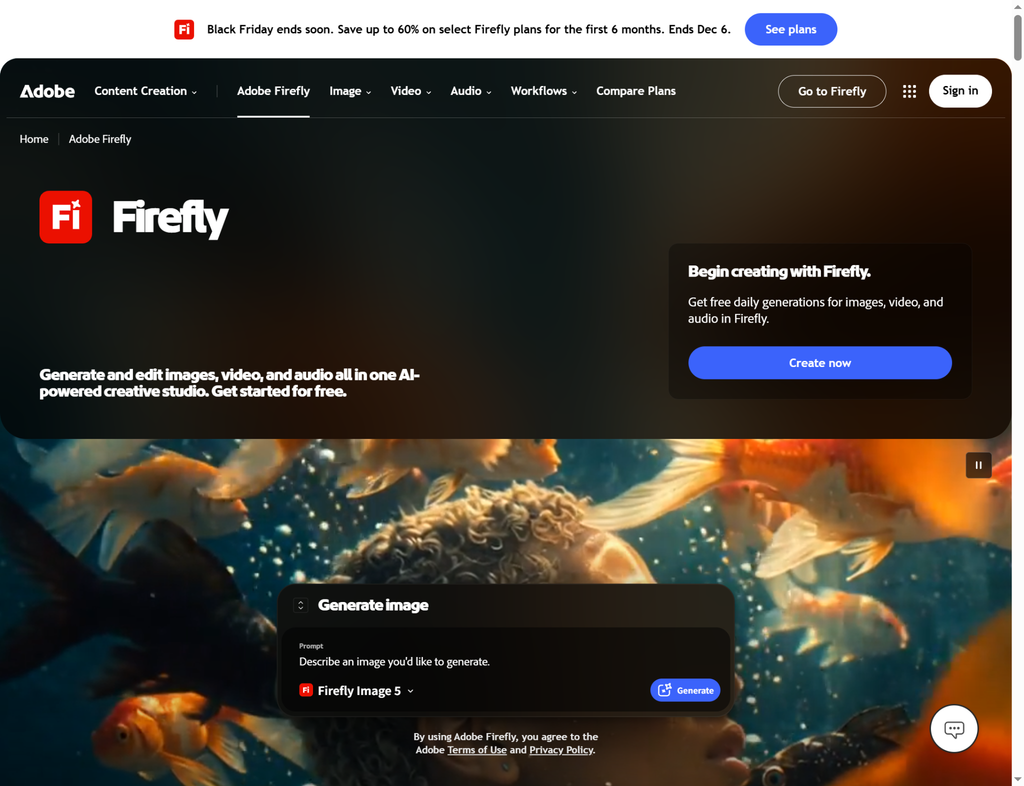
Adobe Firefly is relevant when generating and refining visual material is central to the project. Its current studio covers images, video, and audio, including image expansion and object removal.
Use a real brief to evaluate both creation and revision. After generating a scene, request one specific change and inspect what happens to the surrounding content.
Review the terms for the selected model and use case, especially when comparing Adobe models with partner offerings.
5 Photopea for Detailed Photo Editing
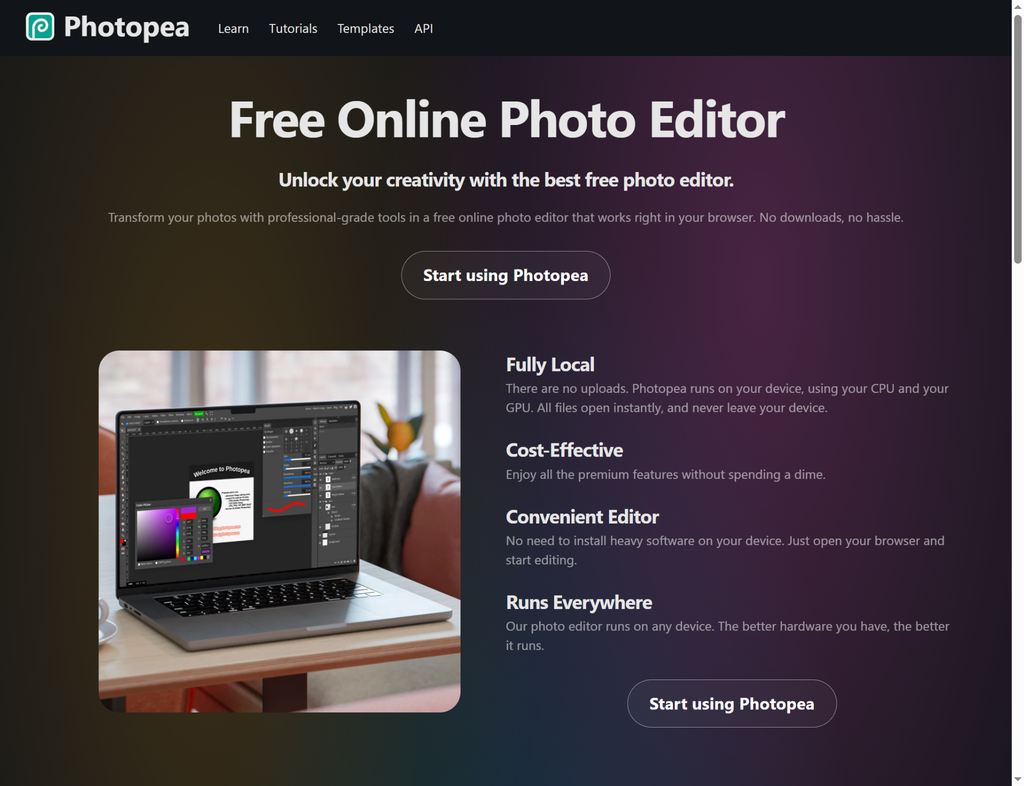
Photopea is a strong candidate when you need layers, masks, selections, and PSD compatibility in a browser. It also includes AI-assisted image changes.
For a product composite, keep the subject, shadow, background, and text separately editable. This makes later corrections easier than repeatedly generating the whole design.
Choose it for direct editing control. It serves a different role from a dedicated video-generation workflow and rewards some familiarity with image-editing tools.
6 Getimg AI for Generation and Asset Variations
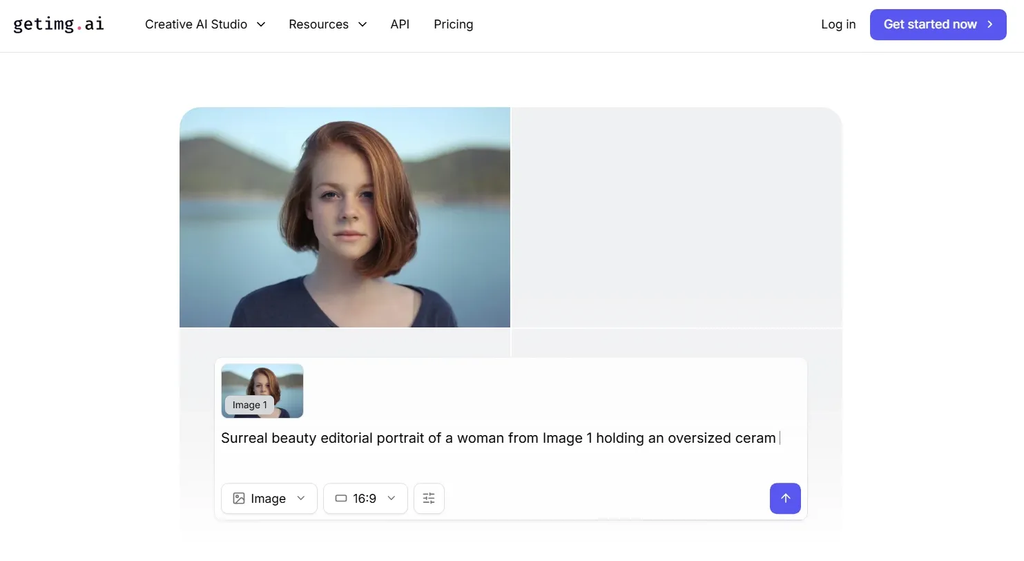
Getimg.ai is worth exploring for a workflow spanning image generation, image-to-image work, video generation, and utility tools such as background removal and resizing.
Test it with a small set of campaign variations. Keep the subject and composition stable while changing one variable, such as the environment or lighting.
Review whether the variations remain usable together. Several attractive outputs do not automatically form a coherent campaign, particularly if product details change between them.
7 PromeAI for Sketches and Design Concepts
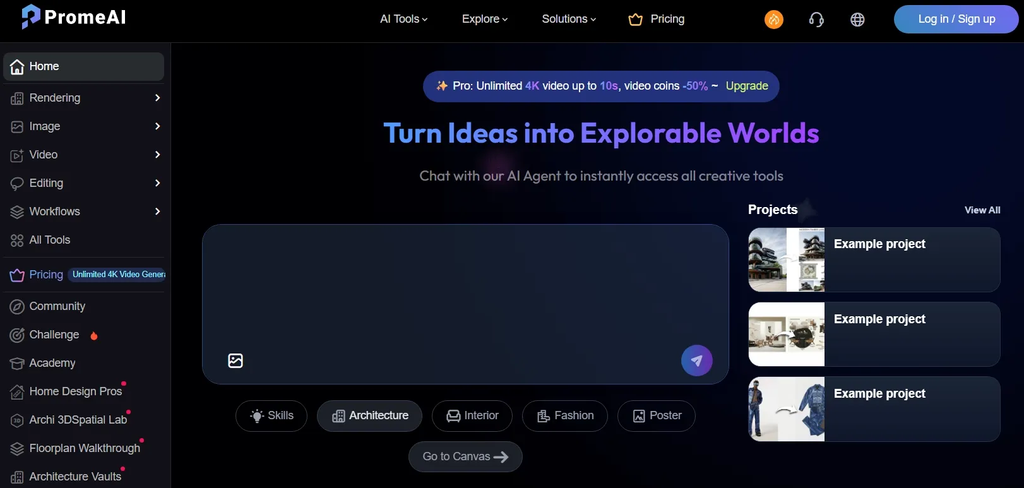
PromeAI is relevant to creators starting with design material rather than a finished photograph. Its tools include sketch-to-render, interior design, product photography, image editing, and image-to-video workflows.
Bring a sketch or reference and define what must stay fixed. Inspect proportions and spatial relationships before accepting the style treatment.
Use generated views to explore and communicate a concept. An appealing rendering still needs checking against the actual design requirements.
8 ImagineArt for Exploring Creative Directions
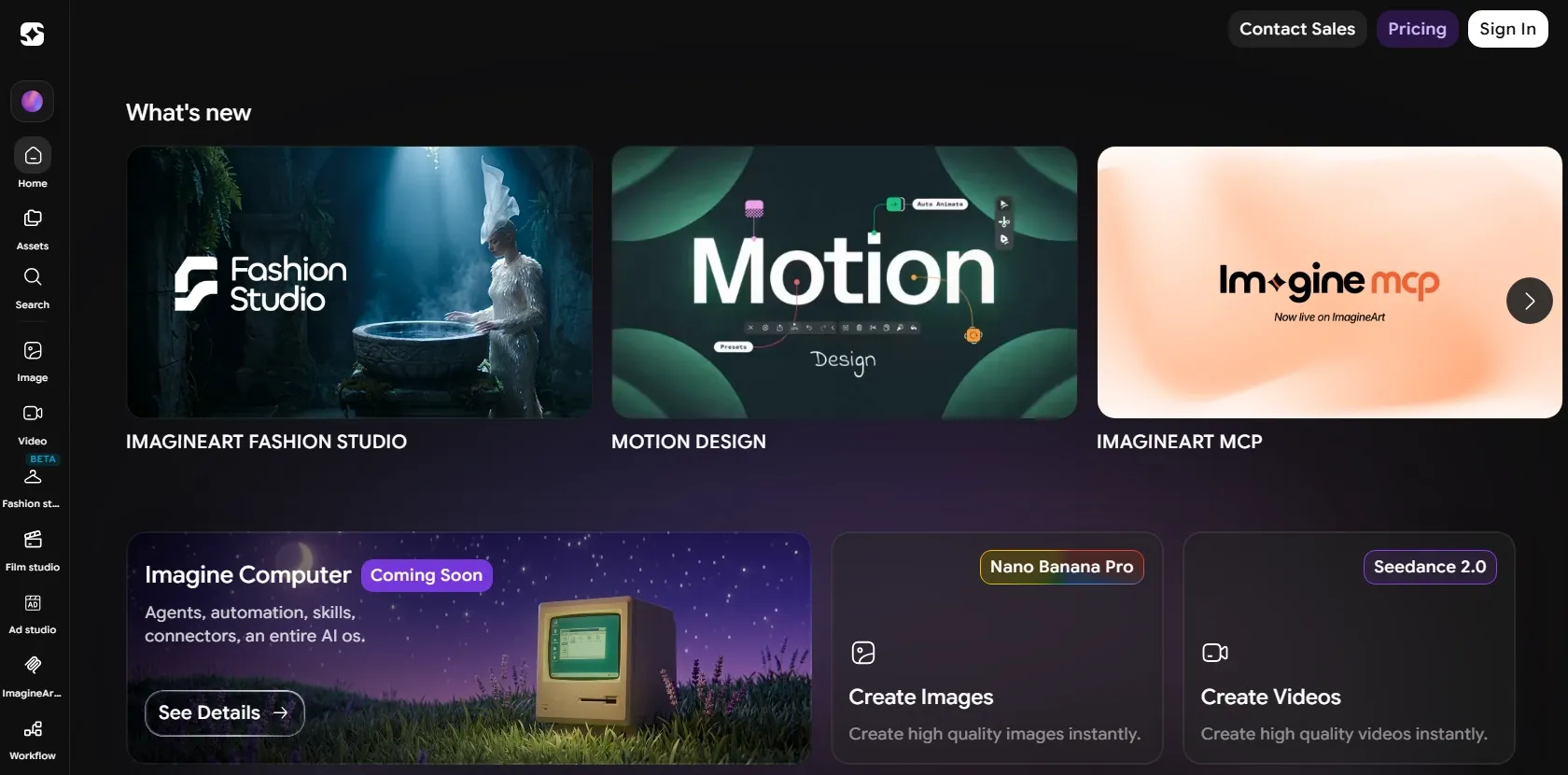
ImagineArt suits creators exploring image, video, and audio generation across multiple models. It is relevant when a campaign begins with several possible visual directions.
Set a common brief before comparing looks. Keep the subject and message consistent so differences in style are easier to assess.
Choose a direction before scaling production. Otherwise, a large collection of appealing experiments can leave you with more selection work and little content ready to finish.
9 Krea for Visual Development and Enhancement
Krea is a candidate when image development and animation belong in the same process. Its current suite includes image editing, image-to-video generation, multiple models, and enhancement tools.
Resolve composition and subject clarity in the still image before adding motion. Then review the animation for identity changes and distorted detail.
Use enhancement after approving the underlying result. Additional sharpness will not fix an incorrect object, a confusing action, or a weak composition.
How Do You Choose the Right Picsart Alternative?
Choose around your most frequent deliverable. Compare two candidates using the same photo, brief, and acceptance criteria, then inspect the final export rather than the preview alone.
For a workflow that combines image creation with video and marketing content, start with Pollo AI. Bring one approved asset and a clear brief, develop the visual, and expand into the formats your campaign actually needs.
